Walkie
A walkie-talkie for two Macs — no server, no account, one shared code
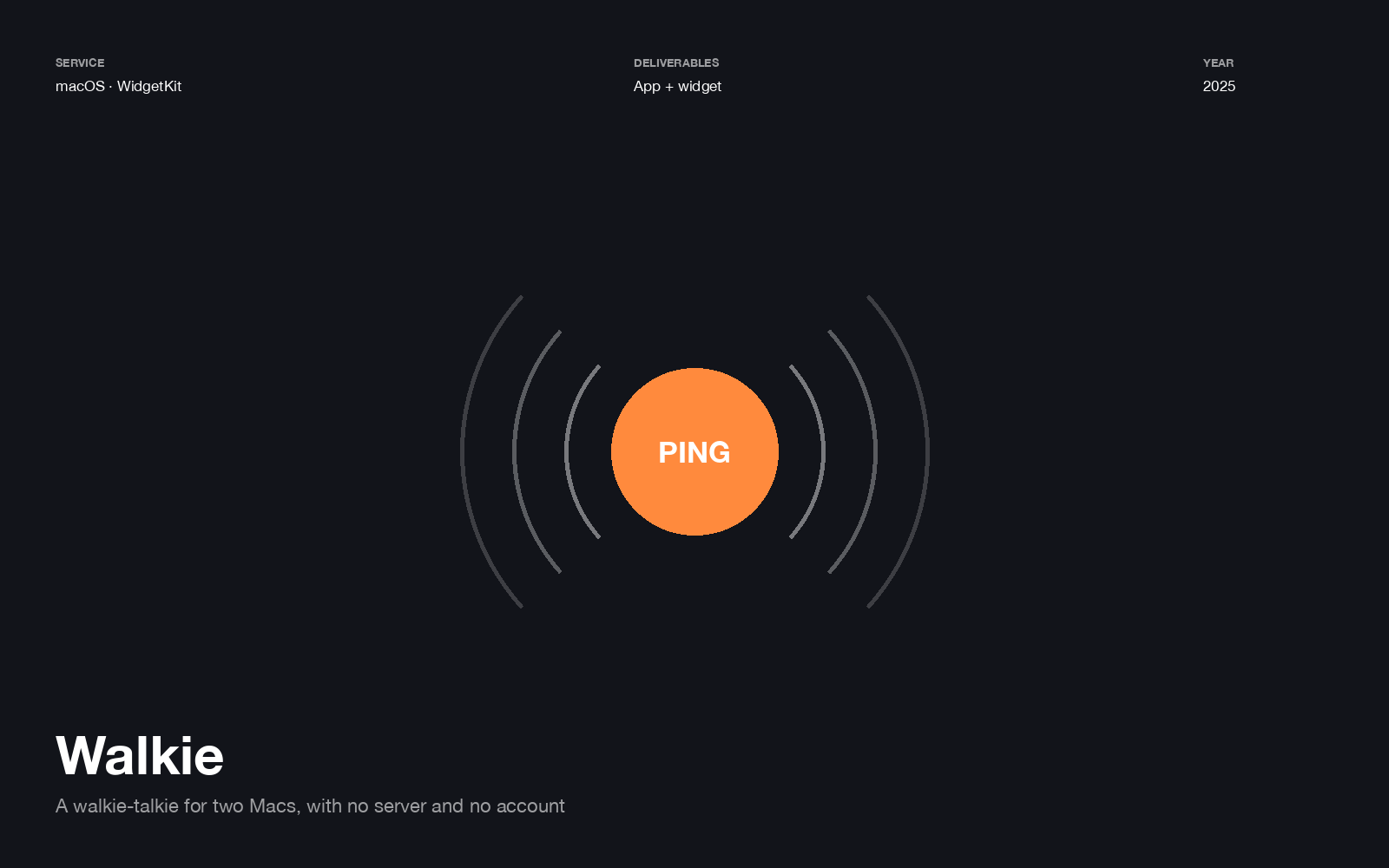
Press PING and your friend’s Mac chirps. Hold talk, say something, release, and a voice clip plays on their machine. That’s the entire product.
No backend, on purpose
Both Macs share a channel code like walkie-wg5mqacg, and messages ride over
ntfy.sh — a free publish/subscribe service. There is nothing to deploy,
no account to create, and no database with two people’s voice clips in it.
The channel code is the only secret, which is stated plainly in the README rather than implied: anyone who knows it can ping you, so treat it like a password, and saving a new one rotates it. A tiny app that quietly pretends to have security it doesn’t have is worse than one that tells you exactly what it is.
The app holds a streaming connection to https://ntfy.sh/<channel>/json and reacts to
what arrives — chirp and notification for a ping, download and play for a voice clip.
The widget is the product
The desktop widget’s PING button is a real interactive WidgetKit button backed by an App Intent, posting to the channel directly. It works whether or not the menu-bar app is open.
For something whose entire job is “one press, immediately”, making the user open an app first would have removed the reason to use it.
The bug worth documenting
Config lives in ~/Library/Application Support/Walkie/ and is mirrored into the app
group container for the sandboxed widget, rather than living there.
The group container is tied to the ad-hoc code signature, so it gets wiped on every re-sign. Storing settings there means your channel code disappears every time you rebuild — which reads as random data loss until you work out why. The mirror is the fix, and it’s in the README so the next person doesn’t spend an evening on it.
Small details that make it usable
While recording, a level meter shows what the mic is actually hearing. Without it you have no idea whether you’re transmitting silence, and you find out only when the other person doesn’t reply.